Linux workstation build – 2024 edition

One of the benefits of working for Automattic is that I am eligible for a new computer every 24-36 months. On my second anniversary in May 2024, I received an email telling me it was my time to upgrade.
When you join Automattic, your first computer must be a laptop. I went with a 14-inch MacBook with the M1 Pro chip. According to the company guidelines, at my first upgrade opportunity, I could get a desktop with the option to keep the laptop for work-related travel and working remotely. I’ve made it quite clear that I prefer using Ubuntu to MacOS daily, so when the chance arrived to upgrade to a custom Ubuntu-powered workstation, I grabbed it.
Fortunately, I was approved to build a workstation equivalent to an Apple Mac Studio with the M2 Max chip. So, I did some digging to find out what PC hardware would be comparable to the M2 Max Mac Studio and found this build on YouTube.
It is worth noting that this video is about building a PC that outperforms an M2 Ultra Mac Studio but costs less, so I figured it was a good starting point.
The build
After a couple of weeks of online investigations, chatting with folks about different parts, and asking my supplier for their input, I ended up with the following build:
- Intel Core i7-14700K 3.4 GHz 20-Core Processor
- ID-COOLING FX360 Liquid CPU Cooler
- Gigabyte Z790 EAGLE AX Motherboard
- Corsair Vengeance 32 GB DDR5-6400 RAM
- TEAMGROUP 1 TB NVME Solid State Drive
- Zotac GeForce RTX 4070 Ti SUPER 16 GB Video Card
- Montech SKY TWO ATX Mid Tower Case
All the hardware came in at less than the cost of an M2 Max Mac Studio.
This time around, though, I didn’t put it together myself. As much as I’ve always enjoyed building new computers from parts, I no longer have the time. I’ve never experienced what it’s like to have a custom desktop pre-built by the supplier, so I thought it would be a new experience. I went with a local supplier, Wootware, that I’ve used for other hardware in the past, and they did not disappoint. Everything was packaged neatly, the build was really clean with all cables tidied away, and I especially enjoyed reading over the build and testing checklist they ship with a new computer.
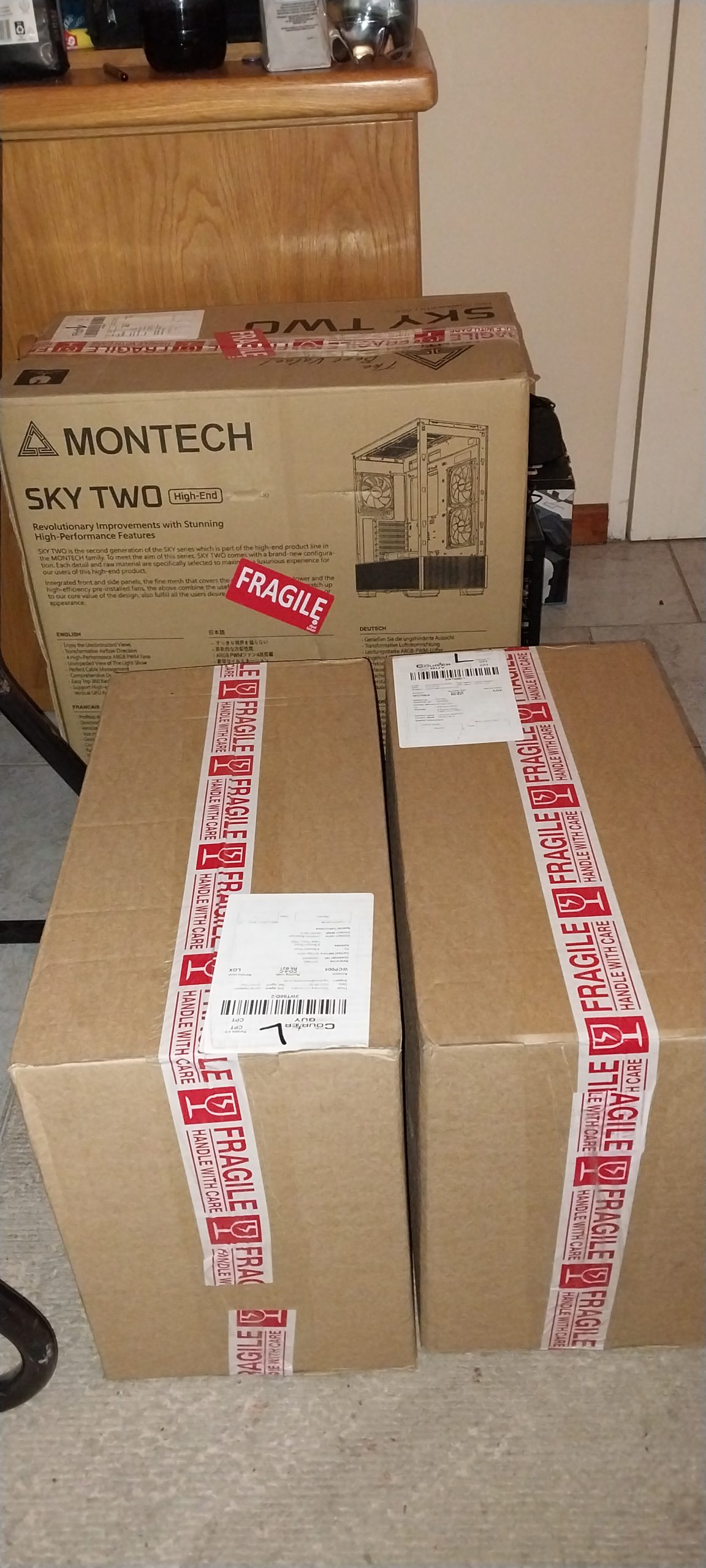
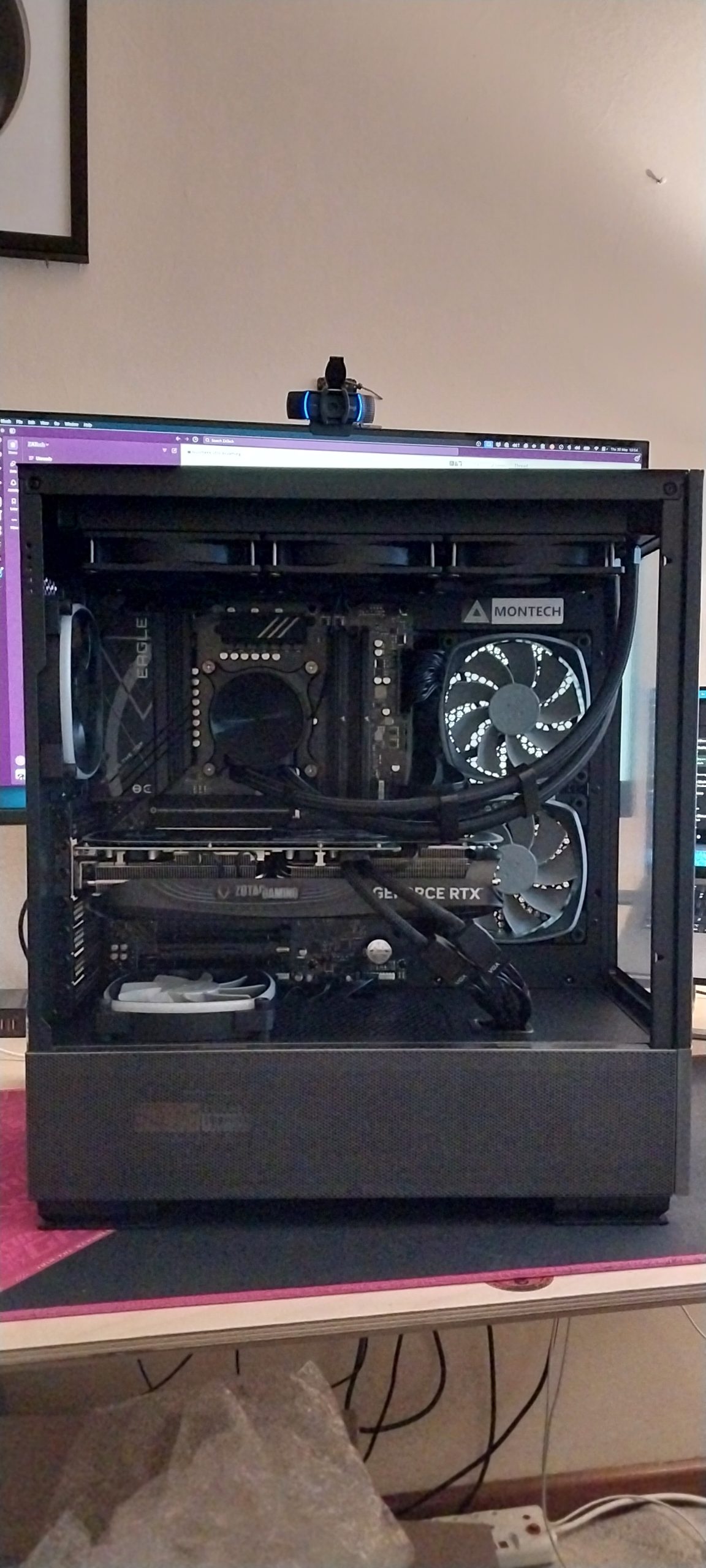

I tried to pick parts with little to no RGB but couldn’t avoid it with the case and the graphics card. I need to find a decent Ubuntu utility to turn that all off, but I’ve placed the tower to the right of my desk, so I don’t even notice it anymore.
Benchmarks
A new workstation build post would not be complete without running some benchmarks. As soon as I installed the base Ubuntu OS, I had to run some for comparison.
Because I knew it was pointless to benchmark this workstation against my previous one, I decided to benchmark it against the M1 Pro MacBook. I also asked a colleague who has an M2 Max Mac Studio desktop to run the same benchmarks so I could compare them.
Because I needed free benchmarks that would work on Linux and MacOS, I used the Blender benchmark tool and Geekbench. Both benchmark tools have a CPU and GPU set of tests, so we ran both tests across the three machines. The Geekbench CPU scores include single/multi-core results.
| Computer | Test | Blender Score | GeekBench |
| M1 Pro MacBook | CPU | 210.89 | 2420 / 12604 |
| M1 Pro MacBook | GPU | 486.72 | 42254 |
| M2 Max Mac Studio | CPU | 252.82 | 2788 / 14957 |
| M2 Max Mac Studio | GPU | 1727.84 | 89121 |
| Workstation | CPU | 586.62 | 3199 / 20001 |
| Workstation | GPU | 7522.69 | 252295 |
While I was expecting the workstation to outperform the M2 Max Mac Studio, I was not prepared for how much better it scored. The Blender scores are more than doubled, and while the single and multi-core Geekbench CPU scores don’t jump as much, look at that GPU score increase!
I would love to find out how these compare to Apple’s M3 or M4 silicon configurations, but I don’t know anyone with one of the newer Apple computers. If you have an Apple M3 or M4 chip and you’re running a MacBook Pro or a Mac Studio, please let me know your scores.
You can find all the tests using the links below:
- M1 MacBook Pro
- M2 Max Mac Studio
- Workstation
Daily use
I’ve been using the new workstation almost exclusively for about two months, and the transition from the M1 Pro Macbook to this new workstation was noticeably different.
Because I’m back to an OS I prefer, I am more used to the interface, so doing daily tasks is that much quicker. I can also run my local development environments natively on the OS, which makes everything there much faster. Everything feels just that little bit snappier and more intuitive. Besides one or two, most of the apps and tools I’ve gotten used to on MacOS are available on Ubuntu.
I still use the MacBook for video recording and live streams because it gives me a second screen for notes and such, but I do everything else on the workstation.
Desktop additions
Since getting the new PC, I have also celebrated a birthday and received two computer-related presents.

The first was a headphone stand, so I didn’t have to keep leaving my headphones on my desk.

The second was a new, less gaudy desktop mat that’s easier to keep clean.
All in all, I’m quite happy with the current setup, and I can’t see myself making many changes in at least a year or more.


Leave a Reply