
As an employee at Automattic, I have access to paid tools like Camtasia and Descript to create and edit video content.
While these tools are great, I am regularly reminded that not everyone has this privilege. At the same time, I am also reminded that when I completed my Automattic trial project, I used 100% free and open-source software (FOSS) to record and edit my video content, and these tools work just as well as their paid counterparts.
If there is one downside to FOSS tools is that they can often have a bit more of a learning curve, and the user experience is often not as polished as the paid tools. However, if you know which tools to use, and the basics of how to use them, you can still have a great experience.
So here’s my recommendation for two tools I’ve used in the past, and more specifically the tools I used to create video tutorials during my time at Delicious Brains, and for my Automattic trial.
Recording – OBS Studio
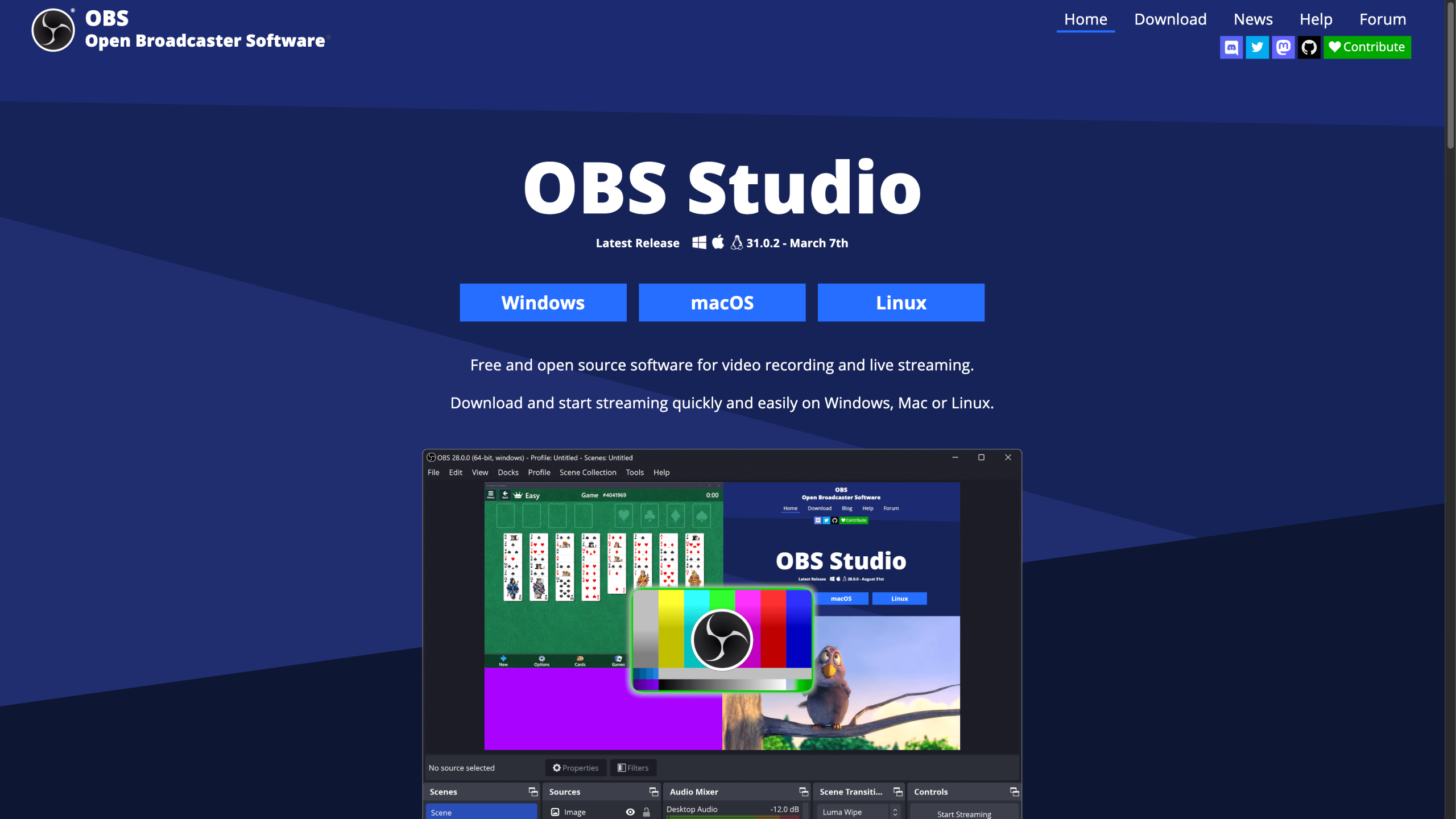

In my opinion, OBS Studio is the best FOSS screen recording and streaming software. Probably more popular with streamers, but a great tool when recording screen casts and video tutorials.
While it offers a lot of features that can be difficult for the beginner to learn, it’s popularity means you’ll find a wealth of online tutorials and videos teaching you everything you need to know.
Editing – Shotcut


For the very first video tutorial I ever created at Delicious Brains, I tried a couple of free, open source editors, and ShotCut came out on top. What I liked about it was that it was more user friendly than other options but it also had an bunch of online tutorial videos when I got stuck.
That’s all folks!
The proof is in the pudding (and the eating thereof) so here’s a short video I recorded and edited using OBS and Shotcut.
Leave a Reply